• Skip to primary navigation
  • Skip to main content
  • Skip to footer

Teaching in Higher Ed

  • Podcast
  • Blog
  • SPEAKING
  • Media
  • Recommendations
  • About
  • Contact

Resources

Gifts for Learners and Teachers

By Bonni Stachowiak | November 26, 2018 | | XFacebookLinkedInEmail

Gifts for Learners and Teachers

Last year, Dave and I did a shared episode between our two podcasts (Coaching for Leaders and Teaching in Higher Ed) on:

Episode 181: Gifts for Teaching and Productivity

Somewhere along the line, we decided not to do that, again, this year. However, I do have some ideas to pass along.

Educational Technology Gifts

I still think the episode that Dave and I did even earlier on top five gadgets for teaching is still relevant, though some of the versions of things have advanced (like the iPad). Last year’s shared episode with Dave also still has some good stuff worth exploring. In the meantime, two educational technology gifts that are standing out to me today are a presentation remote (on the lower end of the cost spectrum) and the iPad (on the upper end, in terms of cost).

Presentation Remote

Standing behind a podium while teaching opens up the possibility for a lack of connection with our students. A presentation remote frees us up to move around a classroom and really engage with people. This one is the one I used for many years, until I moved to a laptop without USB-a – so now I have one that connects via Bluetooth. If you have USB-a on your laptop, there are plenty of choices that won’t break the bank.

iPad

The prices on iPads have come down considerably, at least for the entry-level ones. The Pro versions have gone in the opposite direction – but are packed with power. My iPad is used primarily for consumption, though I can certainly get work done from coffee shops with my Smart Keyboard folio.
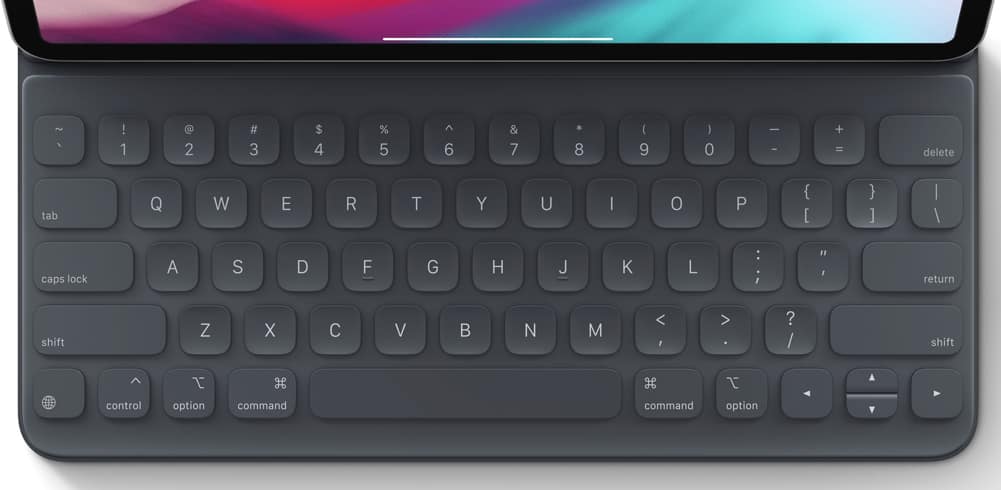
iPad Smart Folio (keyboard)

The Apple Pencil remains the best stylus I’ve ever used on a tablet. And the new one now magnetically attaches to the side of the iPad and charges as it sits there. Remarkable and functional design.

Lifelong Learning Gifts

I recently took the Strengths Finder assessment, again, after taking it more than ten years ago during my doctoral program. Not surprisingly, one of my top five strengths is learner – which really helps me see why my chosen profession is so rewarding to me. Below are just some of the gifts you could buy a learner in your life to get them even better at what they do.

The Academic Book Promotion Toolkit

Katie Linder has put together a phenomenal toolkit to help academic writers get your work discovered by more people. She shares over 30 ways to boost your book sales and get more people reading what you spent all that time putting out into the world.
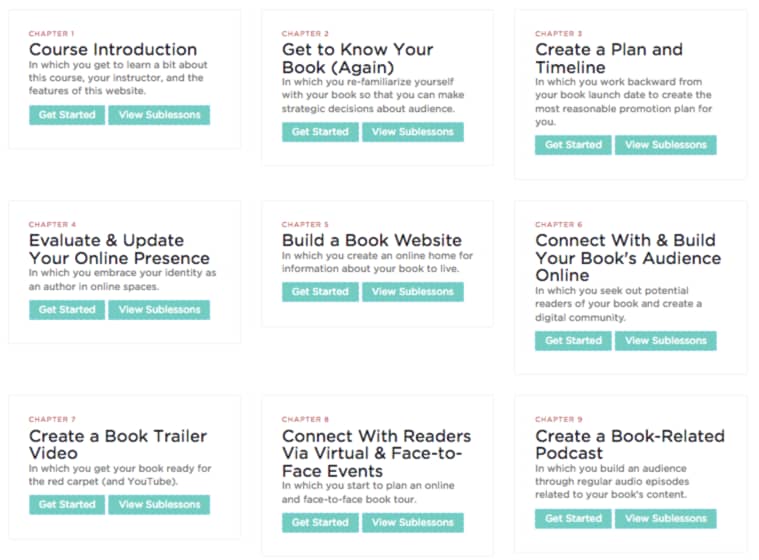
Academic book promotion course

MacSparky Field Guides

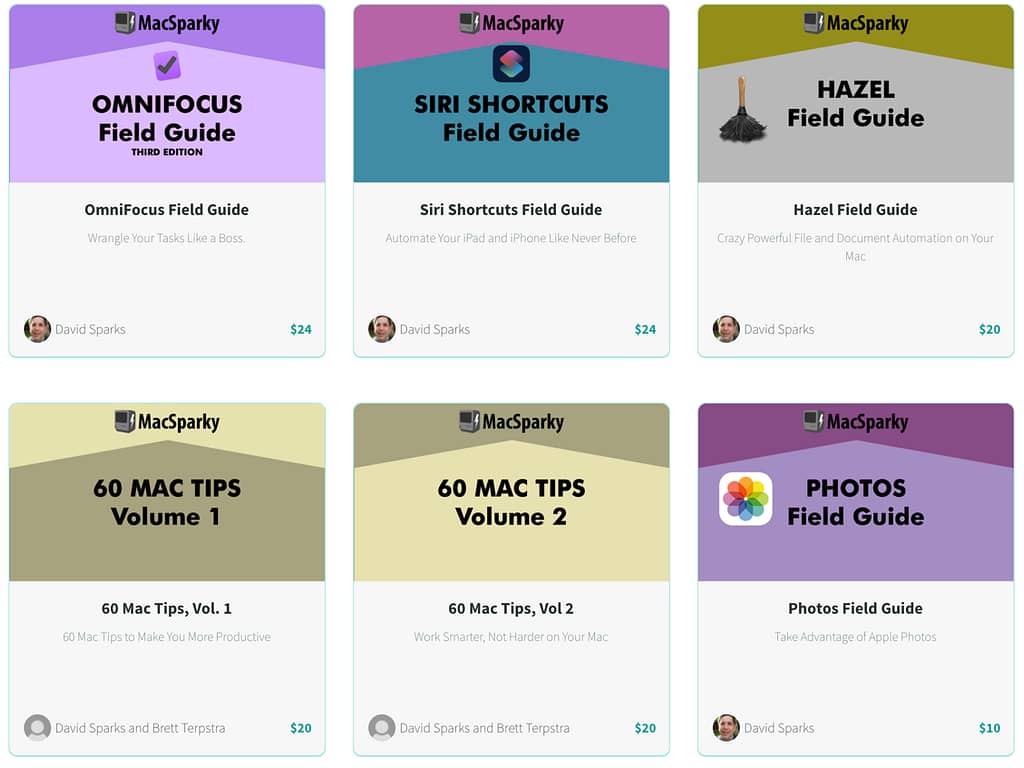
If you have a Mac user in your life, the MacSparky Field Guides are a wonderful way to discover how to get even more out of your technology. I’m working my way through the Hazel Field Guide right now and am really enjoying it.
Andy Traub’s Master Zoom Course

If you know anyone who uses Zoom in their teaching, I can almost guarantee you that they aren’t getting all that they could out of this powerful video conferencing platform. Andy Traub shares in his Mastering Zoom Course with clarity how to set up your equipment (and what kind to buy, if you don’t have any equipment right now), how to set up Zoom, and how to coach and consult (which applies to teaching).

Master Mobile Photography Course from The Sweet Setup

There’s a saying among photographers. The best camera is the one you have with you. For many of us, that’s the camera on our phone. This course on mobile photography from The Sweet Setup shares how to take betters photos, manage your collection, and their recommended photo apps.

Unlock 1Password from The Sweet Setup

The 1Password service has been recommended multiple times on Teaching in Higher Ed. If what has been stopping one of your loved ones is that they don’t know how to use it – that barrier can be broken through the Unlock 1Password course from The Sweet Setup.

Your Turn

What is something new that you’re learning, lately, and what is supporting you in that learning?
Filed Under: Resources

It’s Been Awhile

By Bonni Stachowiak | November 16, 2018 | | XFacebookLinkedInEmail

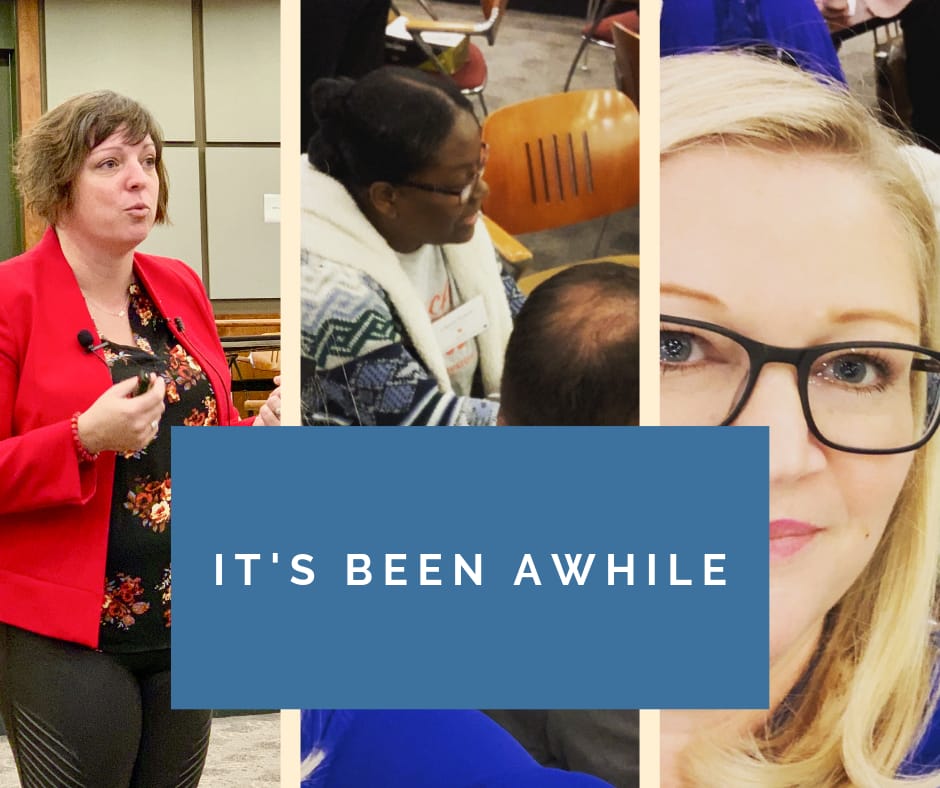
It’s been more than three weeks since I blogged (and the last post was a re-post of an article I had written on EdSurge, so I’m not sure it counts).

A lot has been going on…

Can Innovate Conference from The Online Network of Educators (@ONE)

On October 26, 2018, I had the pleasure of attending the Can*Innovate Online Conference, put on by the Online Network of Educators. While the event was created for community college faculty, it was equally relevant to those of us teaching in other contexts.

Here are just a few of the resources I recommend checking out:

  • Main Can*Innovate Schedule Page with Video Playback of All Sessions
  • Canva (Graphic Design Site) for Canvas Session Page
  • Surprise! Good Things Can Happen When Students Get Creative, with Laura Gibbs
  • Promoting Equity with EdPuzzle and Canvas Mastery Paths (Marvin Patton finally helped me comprehend mastery paths in Canvas)

I'm honored to have been invited to be the keynote speaker for the CCC Digital Learning day in 2019, which is also put on by the Online Network of Educators (@ONE). Please consider joining in on the learning with us on 2/28/19.

Creating Healthy Organizations Conference

On October 12-13, I presented at my institution’s Creating Healthy Organizations conference. Here are some resources and more information about each session I collaborated on.

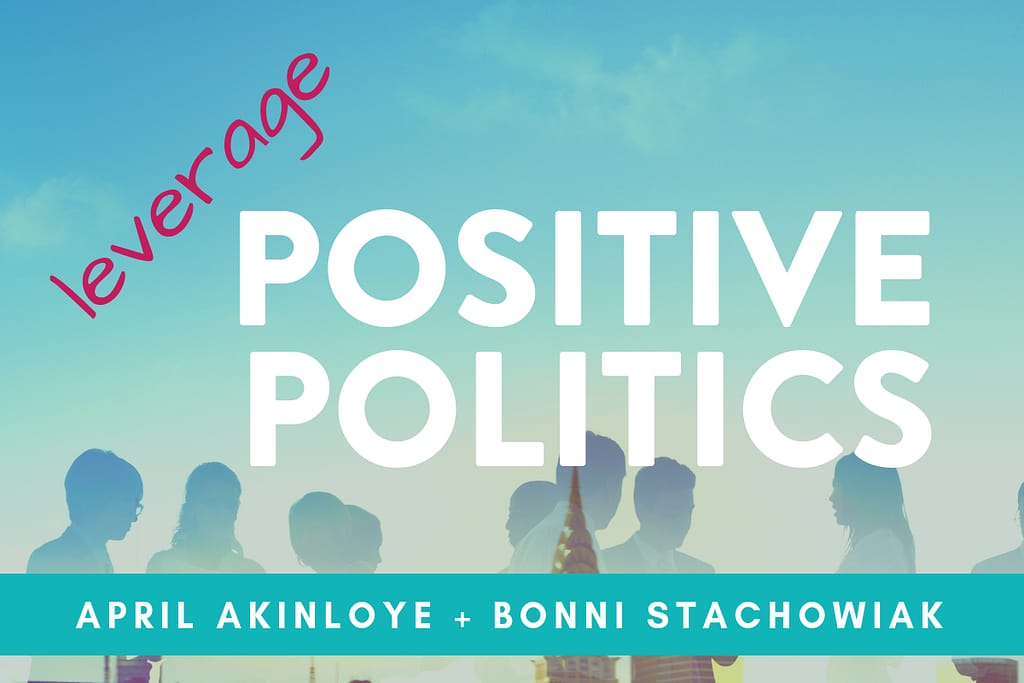
Leverage Positive Politics to Influence Change in Your Organization, with April Akinloye, PhD

Before transitioning to academia, I used to get asked to talk about organizational politics more than any other topic in my consulting work. I enjoyed collaborating with my colleague, April Akinloye, on this workshop. She’s our Chief Diversity Officer and was able to share the ways in which we might approach various people in our organizations when seeking to influence change.

Tools and Approaches to Maximize Your Productivity, with Dave Stachowiak, EdD

If that last name sounds familiar, it is because I’m married to that guy! It was great to present together – after not having joined forces for many years in this capacity.

On the resources page, the left side holds our ideas for how to be more productive, while the attendees contributed to the ideas on the right-hand side of the post.

University of Houston’s Learning, Design, and Technology Program

I was grateful to have been invited to facilitate at the University of Houston’s Learning, Design, and Technology Program. I gave two sessions:

CREATE: Practical Tools for Course Content Creation

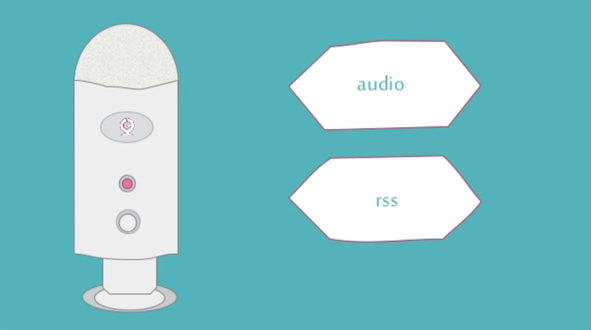
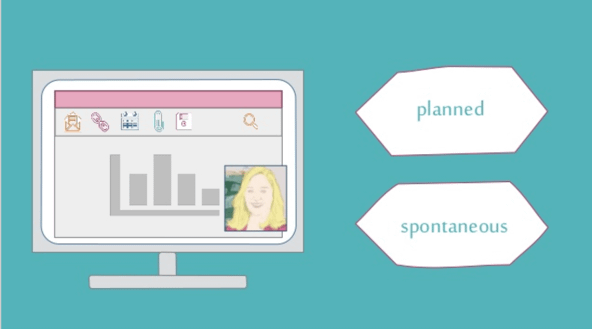
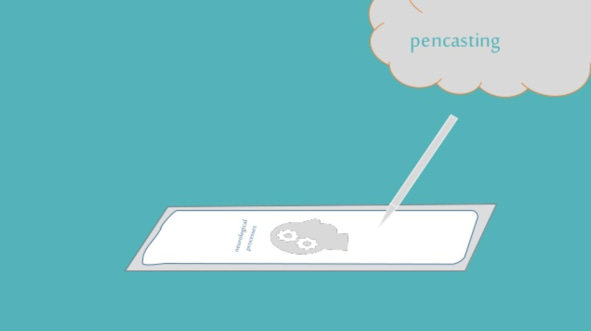
I have got a resources page with the slide deck I used at the session, along with tools that I mentioned or demonstrated during the talk. One thing I didn’t share about publicly (as it was unlikely to be all that interesting), was how I attempted to be more playful in partially hand-drawing some of my slides. My intention in doing this was to show that we all have the capacity to create and it is most often our mindset that holds us back from achieving our potential.

The images below are representative of the kind of experimentation I was using while creating the deck.

This is an image I “hand-drew” inside of PowerPoint, while looking at my Yeti microphone on my desk
I mostly “hand-drew” this slide in PowerPoint, except for the icons and the sketch of me
A “hand-drawn” image of pencasting – created in PowerPoint

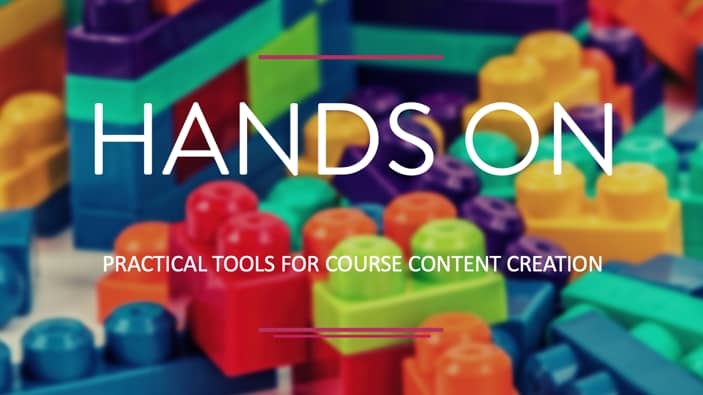
HANDS ON: Practical Tools for Course Content Creation

My second session was smaller, as they limited it to no more than 25 people who had registered in advance. I used an approach that the teachers use at our kids’ school called “planned possibilities.”

I had some ideas of the kinds of things we could experiment with during the session, which I displayed in a visual way on a slide.

Then, I invited them to add to the list with ideas that emerged out of some early discussions we had during the session. Then, I showed them how I would take this visual slide, turn it into a PollEverywhere image selection poll. Finally, they voted on the possibilities that were of most interest to them for our time together.

Laura Pasquini’s Keynote: What’s Your Story

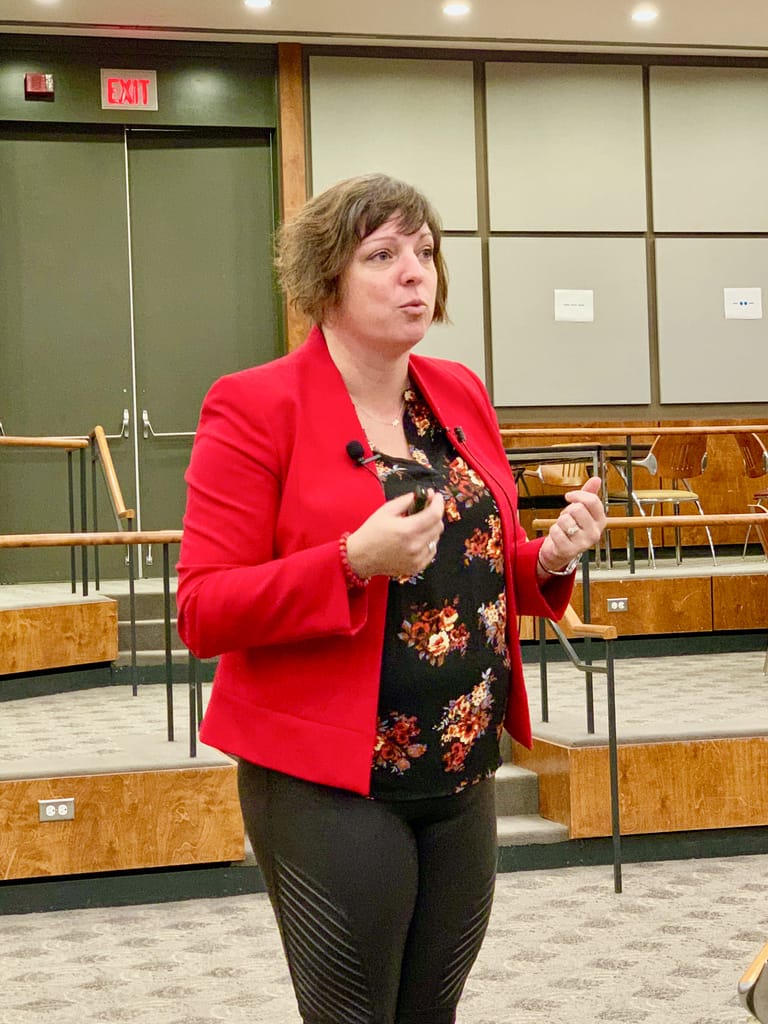
It was already an honor to get to join the University of Houston for their event. However, it was even more of a bonus that I got to meet Laura Pasquini in person.

I know Laura from Twitter. We have done some collaboration via online meeting spaces. But this was my first chance to meet her in “real life” (that’s supposed to be a joke – as what happens online is also a part of our lives).

I enjoyed Laura's cadence of presenting. She would present a flurry of thought-provoking ideas – but then would pause and give us room for reflection. One of my favorite tools she used was this one:

Table Topics

Laura hand-selected questions from the Table Topics deck that would most apply to our conversations. Between that interaction and the tremendous ITLD Breakout Game that the University of Houston team put on – I found such authentic opportunities to connect with the people who had gathered for the conference.

It's been a whirlwind couple of months, though I'm grateful for all of these opportunities to learn and teach. Thanks for reading through a little bit on what I've been up to…


Filed Under: Resources

Fumbling Toward Open Education

By Bonni Stachowiak | October 16, 2018 | | XFacebookLinkedInEmail

open education title graphic

“Bonni! Bonni! Bonni!” I heard echoing across the parking lot as I walked into work this morning. My friend stopped me in my tracks to share how much she got out of the recent Teaching in Higher Ed episode with Rajiv Jhangiani on Critical Open Pedagogy.

Like her, I was also incredibly inspired by the conversation with Rajiv. He can both spell out the magnificent vision of open education, while also still increasing our collective capacity to take practical steps to move closer to that set of ideals.

I sometimes feel like I am fumbling toward more of an open education approach in my teaching. However, people like Rajiv help me believe I’m at least moving in the right direction and that I possess some markers to guide my path.

The Critical Open Pedagogy episode with Rajiv aired while the 2018 Open Education Conference was occurring (#OpenEd18). While I couldn’t be there in person this year, I sure did get a lot out of the interactions that were happening on Twitter.

Below are just a few of the resources that were shared on the #OpenEd18 hashtag:

  • OER Training, by Billy Meinke: “A three-part training guide for bringing higher education instructors up to speed with Open Educational Resources (OER).”
  • OER: From Vision to Action, by Rajiv Jhangiani: “Keynote address at #OERVisionAction18 in Denver on August 2, 2018”
  • CADET – Caption and Description Editing Tool: “CADET is a free, downloadable caption-authoring software that enables anyone to produce high-quality caption files that are compatible with any media player that supports the display of captions. CADET does not require an internet connection in order to operate: it runs locally in any Web browser, so users do not need to upload private videos or proprietary content to servers or video-hosting sites in order to create captions.”
  • Accessibility, Diversity, and Inclusion: (part of the BCcampus’ open textbook self publishing guide) “For a textbook to be truly accessible, people of all abilities need to be able to access the content. This means designing a textbook that accommodates people with diverse learning styles and ensuring the content can be accessed by all, regardless of disability. It also means creating materials that include diverse viewpoints and voices. As you plan your textbook, contemplate how to design it so it is accessible, diverse, and inclusive.”

I have also been gathering open education bookmarks for over a year now. Other notable resources include:

  • Textbooks, OER, and the Need for Open Pedagogy, by Jesse Stommel: “Textbooks are a social justice issue.”
  • An Open Education Reader, edited by David Wiley: “A collection of readings on open education with commentary.”
  • 7 Things You Should Know About Open Education: Practices: “Building on open educational resources (OER), open educational practices seek to fully use the potential inherent in OER to support learning and to help students both contribute to knowledge and construct their own learning pathways. Such open practices provide the architecture and philosophical underpinning for fulfilling the promise of using OER to expand collaborative, inclusive, accessible, and active learning and related pedagogy. Open educational practices also give agency to students by giving them more control over the structure, content, and outcomes of their learning and by creating opportunities for them to create learning materials.”
  • What Makes an Open Lab ‘Open’?, by Robin DeRosa and Dan Blickensderfer: “As public universities divert resources into new kinds of learning spaces, they should promote collaborative and mutually enriching connections among students and institutions, write Robin DeRosa and Dan Blickensderfer.”
  • The Impact of Open Educational Resources on Various Student Success Metrics, by Nicholas B Colvard, C. Edward Watson, and Hyojin Park: “This article reports the results of a large-scale study (21,822 students) regarding the impact of course-level faculty adoption of Open Educational Resources (OER). Results indicate that OER adoption does much more than simply save students money and address student debt concerns. OER improve end-of-course grades and decrease DFW (D, F, and Withdrawal letter grades) rates for all students. They also improve course grades at greater rates and decrease DFW rates at greater rates for Pell recipient students, part-time students, and populations historically underserved by higher education.”

Your Turn

What open education resources have you found particularly useful?

Filed Under: Resources

Celebrating International Podcast Day

By Bonni Stachowiak | September 28, 2018 | | XFacebookLinkedInEmail

International Podcast Day

We need to grab every opportunity to celebrate these days. September 30 has been deemed International Podcast Day by whoever it is that determines such things.

I have written before about the transformative power of podcasts and am excited to share more about how to do International Podcast Day right.

Here are five ways to celebrate.

Listen to Podcasts

What better way to enjoy International Podcast Day than to listen to an episode or two, or three, or 40?

  • My 2018 list of favorite podcasts
  • My 2017 list of favorite podcasts
  • Bryan Alexander’s 2017 list of favorite podcasts
  • Top 13 Teaching in Higher Ed podcast episodes in 2017

Laura Pasquini has been curating quite a list of higher education podcasts since 2017. Learn more about her project and how to contribute a podcast to the list on the Higher Ed Podcasts site.

Help a Friend Discover Podcasts

There are still people who don’t realize how easy it is to listen to a podcast. People who use iOS (have an iPhone) likely already have a built-in podcast app on their phone without even knowing it is there. For Android users, finding a podcast app is just a couple of taps away.

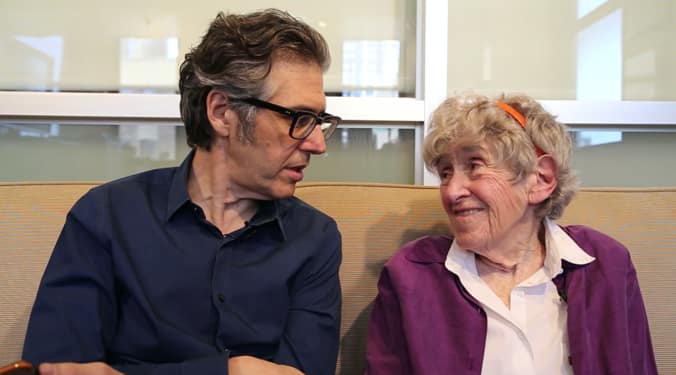
Ira Glass and Mary Ahern

Ira Glass and his late friend, Mary Ahearn demonstrate the simplicity of podcast listening in this delightful video.

Yes, you can listen to a podcast right from your computer via your web browser, but I find it so freeing to know I can take them with me wherever I go.

Instead of using the built-in Apple Podcast app, my preferred podcast catcher for years now has been Overcast, on iPhone, iPad, and Apple Watch.

Support a Podcaster

I’ve gathered a few different ways you can support Teaching in Higher Ed, which would apply to really almost any podcast you might want to support. We make a small amount on purchases you make from Amazon of books that are recommended on the podcast. It isn’t going to fund our retirement anytime soon but does sometimes take care of our podcast hosting costs on a given month.

Use Podcasts in Your Teaching

I get asked often about how to start a podcast. Much of the time, I try to talk people out of this step. Instead, I suggest starting by using already-created podcasts in one’s teaching and leveraging the broader podcasting community’s collective content.

If you are going to play a podcast in a class, I suggest finding one that is around 15 minutes or less. In those cases when I am unsuccessful at that, I typically schedule to have my class outside on that day and encourage us to get moving while we listen. We are fortunate to have our campus located right by Newport’s Back Bay, where there are beautiful flora and fauna to take in as we listen.

If you are able to locate an episode that is 15 minutes or less, see if there’s a spot within the audio where you can pause it and ask the students to respond in some way.

Planet Money Podcast

I like to use episodes of Planet Money, which always have such engaging story arcs to them. About halfway through, I pause the recording and ask my students to predict what happened next, or talk about what advice they would have for the individuals being discussed in the episode.

Your Turn

How will you be celebrating International Podcast Day? In what ways do you use podcasts in your teaching?

Filed Under: Resources

Resources for Better Slide Decks

By Bonni Stachowiak | September 24, 2018 | | XFacebookLinkedInEmail

Resources for Better Slide Decks

I received a question from a listener regarding making more engaging slide decks that I thought I would answer here on the blog.

“On one episode I listened to last year, I think you mentioned someone who has a website with suggestions for making better powerpoint presentations? Does this ring a bell? I've had a search on your website, but can't find it. I wanted to improve my approach to slide-making before the term starts shortly.”

Here are some ideas for you to take your slide-making to the next level. Thanks for writing in to inquire.

Podcast Episodes

  • Episode 33 – The Slide Heard ‘Round the World – Bonni and Dave Stachowiak talk about how to make your presentation slides more effective.

Blog Posts

  • Tools for Better Presentations, by Bonni Stachowiak
  • Top Presentation Slide Decks, by Mike Taylor
  • iPad Unleashed: My New Wireless Lecture Setup, by Doug McKee
  • Present at Work; Storytelling at Work, by Tomas Bay

Books

  • Slide:ology: The Art and Science of Creating Great Presentations, by Nancy Duarte
  • Presentation Zen, by Garr Reynolds
  • Presentation Zen Design: Simple Design Principles and Techniques to Enhance Your Presentations, by Garr Reynolds

Resources

  • Nancy Duarte’s site
  • Garr Reynolds’ Presentation Tips
  • 4 Tips and 1 Tool That Will Help You Perfect Your Slide Design, by Catrinel Bartolomeu

Your Turn

What advice do you have for creating more effective slide decks? 

Filed Under: Resources

  • « Go to Previous Page
  • Page 1
  • Interim pages omitted …
  • Page 3
  • Page 4
  • Page 5
  • Page 6
  • Page 7
  • Interim pages omitted …
  • Page 17
  • Go to Next Page »

TOOLS

  • Blog
  • Podcast
  • Community
  • Weekly Update

RESOURCES

  • Recommendations
  • EdTech Essentials Guide
  • The Productive Online Professor
  • How to Listen to Podcasts

Subscribe to Podcast

Apple PodcastsSpotifyAndroidby EmailRSSMore Subscribe Options

ABOUT

  • Bonni Stachowiak
  • Speaking + Workshops
  • Podcast FAQs
  • Media Kit
  • Lilly Conferences Partnership

CONTACT

  • Get in Touch
  • Support the Podcast
  • Sponsorship
  • Privacy Policy

CONNECT

  • LinkedIn
  • Instagram
  • RSS

CC BY-NC-SA 4.0 Teaching in Higher Ed | Designed by Anchored Design